Most cold email problems that get blamed on copy are actually authentication problems. The subject line was fine. The offer was fine. The message just never reached a human, because the receiving server could not confirm you were allowed to send on behalf of your domain, so it made the safe choice and dropped you into spam.
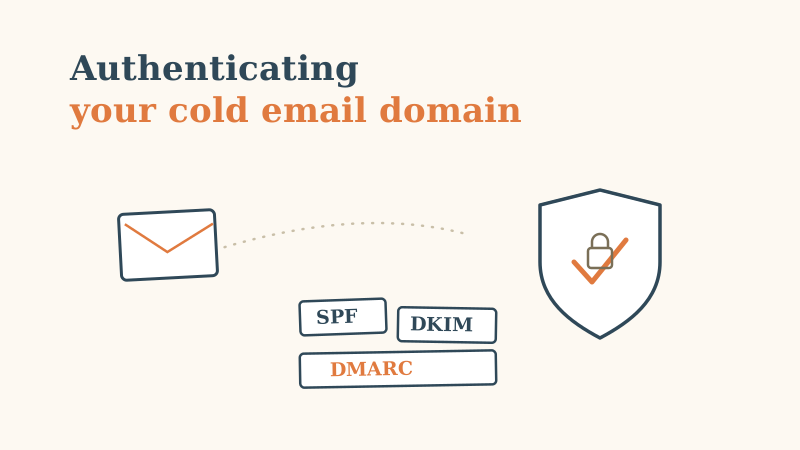
SPF, DKIM, and DMARC are the three DNS records that answer that question for the mailbox provider. Get them right and you clear the baseline every inbox now checks before it even looks at your content. Get them wrong, or leave them half-configured, and you are trying to book meetings from a domain that Gmail and Outlook quietly distrust. This guide walks through what each record does, how to set all three up in the right order, and the mistakes that silently undo the work.
Why authentication decides deliverability now
For years, cold email deliverability was mostly about volume and list quality. That still matters, but the rules changed. Google and Yahoo now require bulk senders to authenticate with SPF and DKIM and to publish a DMARC policy. Microsoft has moved the same direction for high-volume senders. What used to be a best practice is now a gate: fail it and you are not fighting for the primary inbox, you are fighting to be delivered at all.
The logic is simple from the provider’s side. Anyone can put your company name in the “From” field of an email. Authentication is how a receiving server verifies that a message claiming to come from your domain was actually sent by a server you authorized, and was not altered in transit. Without that proof, a spoofed message from your brand looks identical to a legitimate one, so the provider treats all of it with suspicion.
For cold outbound, where you are already an unknown sender reaching people who never asked to hear from you, you cannot afford to add “unauthenticated” to the list of reasons to filter you.
The three records, in plain language
Each record does a different job, and they reinforce each other. You need all three.
- SPF (Sender Policy Framework) is a public list of the servers allowed to send email for your domain. When a message arrives, the receiving server looks up your SPF record and checks whether the sending server is on the list. It answers the question: is this server authorized?
- DKIM (DomainKeys Identified Mail) attaches a cryptographic signature to every message, tied to a public key you publish in DNS. The receiver uses that key to confirm the message genuinely came from your domain and was not tampered with along the way. It answers: is this message authentic and intact?
- DMARC (Domain-based Message Authentication, Reporting and Conformance) ties the first two together. It tells receivers what to do when a message fails SPF or DKIM (nothing, quarantine, or reject) and asks them to send you reports on who is sending mail using your domain. It answers: what happens when authentication fails, and who is trying to impersonate me?
Think of SPF as the guest list, DKIM as the tamper-proof seal, and DMARC as the policy the doorman follows plus the incident log.
Set them up in the right order
Order matters. DMARC enforcement on top of broken SPF or DKIM will bury your own legitimate mail. Build the foundation first, then turn on policy.
Step 1: publish your SPF record
SPF lives as a single TXT record on your domain. It lists the sources allowed to send for you, usually referenced through the “include” mechanism your email provider gives you. A typical record looks like v=spf1 include:_spf.google.com include:yoursendingtool.com ~all.
Two rules matter more than the rest. First, you get exactly one SPF record per domain. If you publish two, both fail. Consolidate every sending source into a single record. Second, watch the ten-DNS-lookup limit. Each “include” can trigger further lookups, and if the total exceeds ten, SPF returns a permerror and effectively fails. If you are near the limit, flatten or trim unused includes. End the record with ~all (soft fail) while testing and tighten to -all (hard fail) once you are confident every legitimate source is listed.
Step 2: enable DKIM signing
DKIM is generated by your sending platform, not hand-written. Your email provider or outbound tool gives you a public key and a selector, and you publish that as a TXT (or sometimes CNAME) record at a host like selector._domainkey.yourdomain.com. Once published, the platform signs every outgoing message with the matching private key, and receivers verify against the public one.
The common failure here is enabling DKIM in the tool but never adding the DNS record, or adding it with a typo that breaks the key. After publishing, send a test message and inspect the headers to confirm the signature verifies with a dkim=pass result. Do not assume it works because the toggle is green in your dashboard.
Step 3: publish DMARC, starting in monitor mode
DMARC is a TXT record at _dmarc.yourdomain.com. Do not start with an enforcing policy. Start in monitor mode with v=DMARC1; p=none; rua=mailto:[email protected]. The p=none tells receivers to enforce nothing yet, while rua asks them to send you aggregate reports about every source sending mail as your domain.
Let that run for one to two weeks and read the reports. They will show you every service sending on your behalf, including ones you forgot about, such as a CRM, a support desk, or an invoicing tool. Confirm each legitimate source passes SPF or DKIM. Once your real mail is authenticating cleanly, tighten the policy to p=quarantine and later p=reject. That progression is the whole point: monitor, fix, then enforce, so you never block your own outbound on the way to blocking impersonators.
Alignment: the detail that trips people up
A message can pass SPF and DKIM and still fail DMARC, because DMARC also requires alignment. Alignment means the domain that passed SPF or DKIM matches the domain in the visible “From” address. If your “From” says yourbrand.com but the authenticated domain is your email tool’s shared sending domain, DMARC sees a mismatch and fails.
This is why serious cold outbound runs on a custom sending domain you control and authenticate, rather than a shared or default one from a tool. It is also why sending from a subdomain (like outreach.yourbrand.com) is a common and smart pattern: it keeps aggressive cold volume from affecting the reputation of your primary corporate domain while still passing aligned authentication. Whichever you choose, make sure the authenticated domain and the visible From domain line up.
The mistakes that quietly undo good setup
Authentication is not a one-time checkbox. These are the failures we see most often on domains that “should” be configured correctly:
- Two SPF records on one domain. A second record, often left over from an old tool, invalidates both. There must be exactly one.
- Exceeding the SPF lookup limit. Stacking includes until you pass ten lookups causes a silent permerror. Audit and flatten.
- DKIM toggled on but never published in DNS, or published with a broken key. Always verify with a real test send and header inspection.
- Jumping straight to
p=reject. Enforcing DMARC before confirming your legitimate sources pass will quarantine your own campaigns. Monitor first. - Authenticating one domain and forgetting the rest. Teams running multiple sending domains for outbound must configure all three records on every single one. One misconfigured domain in the rotation drags down the whole program.
- Set-and-forget. New tools get added, DNS gets edited, and a record that passed last quarter can break silently. Authentication needs periodic re-checking, which is exactly the kind of thing a fast infrastructure audit is built to catch.
Where authentication fits in the bigger picture
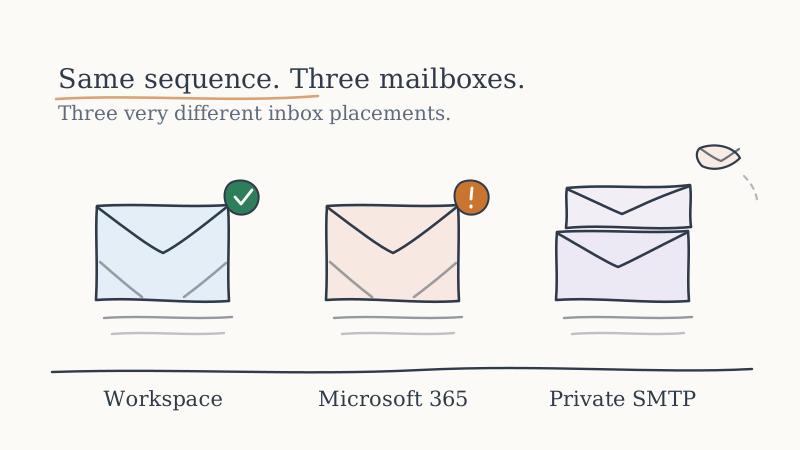
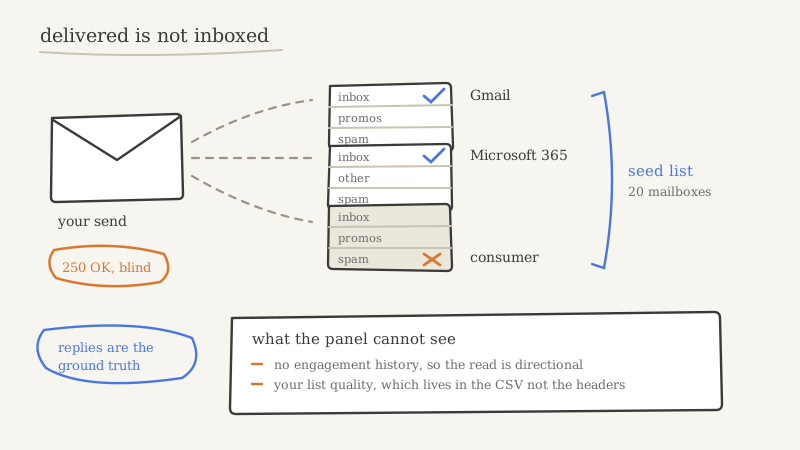
Passing SPF, DKIM, and DMARC gets you through the door. It does not, on its own, guarantee the primary inbox. Once you are authenticated, reputation takes over: sending volume, engagement, list hygiene, and warm-up all decide whether you land in the inbox or the promotions and spam folders. Authentication is the prerequisite that lets the rest of that work count. Skip it and none of the downstream effort matters, because you never clear the first check. We cover the ongoing side of that discipline in our guide to keeping cold email out of spam at scale.
For a growing outbound program running several domains and inboxes, keeping every SPF record inside the lookup limit, every DKIM key valid, and every DMARC policy correctly enforced across the whole fleet is real, ongoing operational work. It is one of the quieter reasons companies hand their outbound infrastructure to a managed partner. At Vendisys, authenticated sending domains, aligned DKIM signing, and monitored DMARC policies are part of the standard setup, so campaigns launch on infrastructure that already clears the gate instead of a domain hoping it passes.
The short version
Every cold email sending domain needs all three records. SPF lists who can send, DKIM proves the message is authentic and untouched, and DMARC decides what happens on failure while showing you who is impersonating you. Set them up in order: one clean SPF record under the ten-lookup limit, a verified DKIM signature, then DMARC starting at p=none and tightening to reject only after your real mail passes. Keep the authenticated domain aligned with your visible From address, configure every sending domain in your rotation, and re-check the whole setup on a schedule. Do that, and you stop losing meetings to a filter you could have cleared before writing a single subject line.