Most teams inherit their cold email format without ever choosing it. The tool ships with a drag-and-drop editor, someone drops in a logo and a banner, and the first campaign goes out looking like a newsletter. It feels professional. It also quietly caps your reply rate and pushes a chunk of your volume into the Promotions tab before a single prospect reads a word.
The plain text versus HTML question is not a matter of taste. It changes how filters classify your mail, how the message renders on a locked-down work laptop, and how the recipient decides in half a second whether this is a person worth answering or a broadcast worth deleting. This is what the format actually does, and how to get it right.
What “HTML email” really signals
An HTML email is not just an email with a nice font. Under the hood it carries a second body part, a MIME multipart structure, inline styles, tracking pixels, hosted images, and often a stack of <table> layout markup left over from a template. Every one of those elements is a signal.
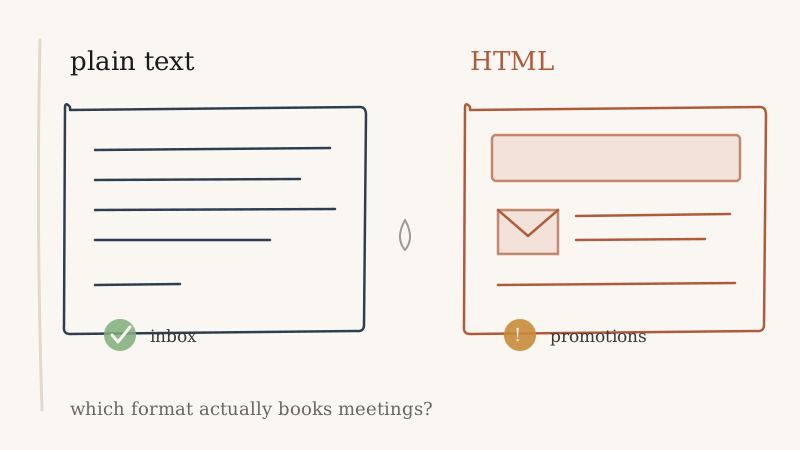
Mailbox providers have spent two decades learning that legitimate one-to-one mail between colleagues looks nothing like a marketing blast. When your cold email arrives wrapped in the same markup as a Black Friday promotion, you are voluntarily joining the category that Gmail, Outlook, and Apple Mail filter hardest. The content might be a thoughtful, personalized note. The wrapper says “bulk sender,” and the wrapper is what gets scored first.
Plain text sends a different signal entirely. One MIME part, no images to load, no tracking pixel, no layout tables. It reads to the filter the way a message from a coworker reads: unremarkable, personal, safe to deliver.
The deliverability gap
The practical difference shows up in three places.
The Promotions tab. Gmail’s tab routing leans heavily on structural cues. Image-heavy, template-shaped mail lands in Promotions far more often than a text-only message does. Promotions is not the spam folder, but for cold outbound it might as well be. Nobody checks Promotions looking for a vendor they have never heard of. A plain text email is much more likely to reach the Primary inbox, where a reply is even possible.
Tracking pixels. The single-pixel image most HTML cold emails embed to measure opens is also one of the clearest bulk-sender fingerprints a filter can read. It rarely gives you usable data anymore, since Apple Mail Privacy Protection and corporate security scanners fire opens automatically, and it actively hurts placement. You are trading real deliverability for a vanity number that no longer means anything.
Image blocking. Most corporate mail clients block remote images by default. If your value proposition lives inside a banner graphic or a formatted button, a large share of your audience sees a broken box and a “download images” prompt. Plain text has nothing to block, so it renders identically on every device and every locked-down client.
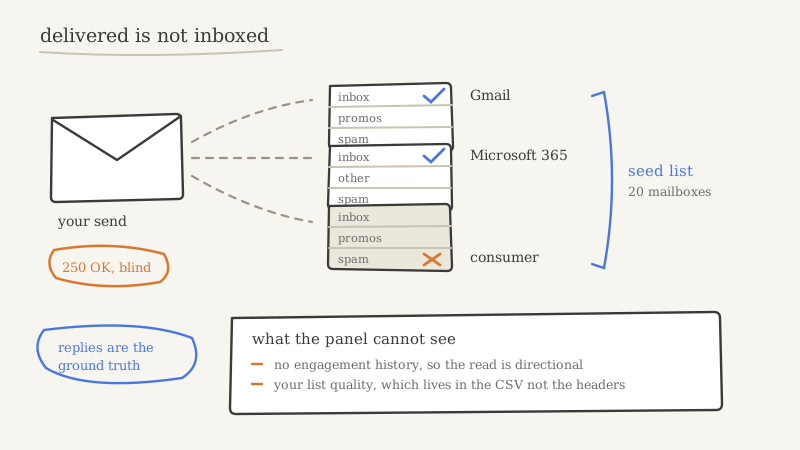
None of this matters if the email never reaches a real, valid inbox in the first place. Format optimization on a list full of dead, catch-all, or spam-trap addresses just gets you filtered faster. Cleaning the list with a verification layer like Scrubby before you send is the prerequisite that makes every downstream format decision worth making. Get the list clean, then worry about the wrapper.
The reply-rate gap
Deliverability gets you into the inbox. Format also changes what happens once you are there.
A cold email exists to start a conversation, and conversations do not have banners. When a prospect opens a message and sees a logo, a header image, and three brand colors, their brain files it instantly: this is marketing, this is automated, this went to a thousand people. The reply reflex shuts off. The same person will answer a short, plain, typo-plausible note that looks like it came from one human who had one specific reason to write.
This is the part teams underrate. Plain text does not just deliver better. It lowers the recipient’s guard, because it matches the mental model of a real one-to-one message. The format is doing persuasion work before the copy even starts. An HTML template fights the copy the entire way.
There is a narrow exception. If your outbound motion is genuinely closer to lifecycle marketing, a nurture sequence to opted-in contacts who already know the brand, then light formatting can be appropriate. But that is marketing email, not cold outbound. For a first-touch message to a stranger whose reply you are trying to earn, plain text wins on both axes at once.
How to structure a plain text email that works
Going plain text is not an excuse for a wall of gray text. Structure still matters, you just build it with words and whitespace instead of markup.
Keep it under 120 words. A cold email that fits on one phone screen without scrolling reads as respectful of the recipient’s time. Length is the first thing they judge, before a single sentence lands.
Lead with them, not you. The first line should reference something specific to their company or role, not your product. A generic opener is the fastest way to get filed as a blast, regardless of format.
One idea, one ask. Make a single, specific, low-friction ask. Multiple links and multiple questions read as a campaign. One clear next step reads as a person.
Use line breaks as your only formatting. Short paragraphs, one or two sentences each, with blank lines between them. That whitespace does the job a template’s spacing would, and it survives every client.
Skip the tracking pixel. You lose open rate, which was already a fiction. You gain inbox placement and one less bulk-sender signal. That trade is worth taking every time.
Sign as a human. A plain name and a plain-text signature. No image, no six-line block with a banner and social icons. The signature is the last impression, and a heavy one undoes the work the rest of the email did.
Where format sits in the bigger system
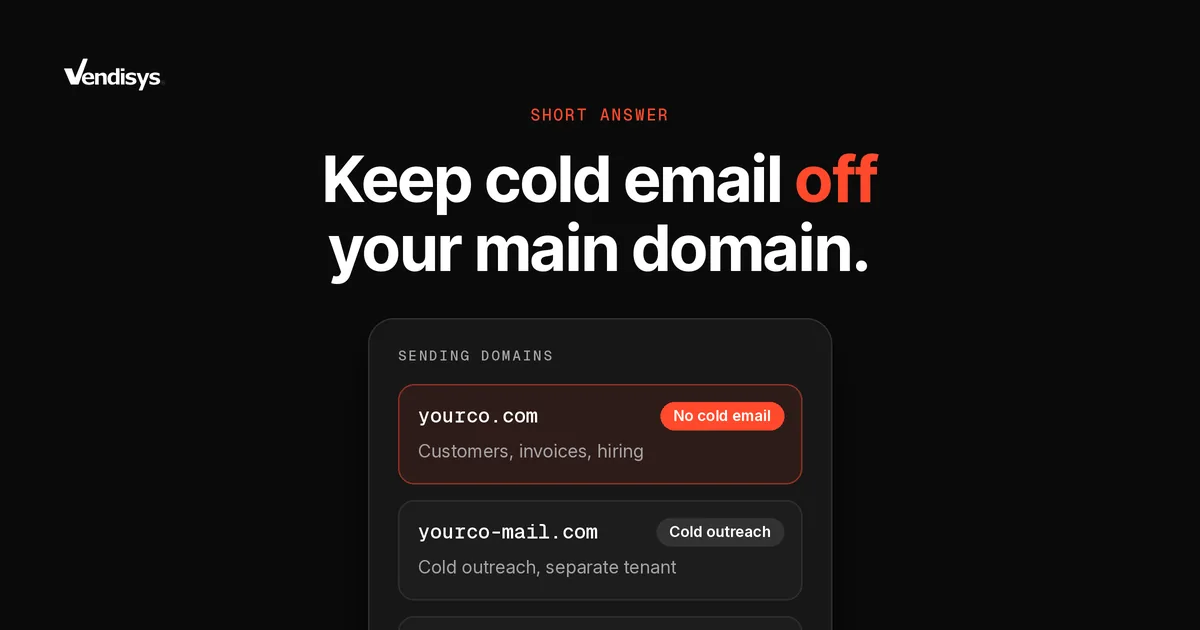
Format is a multiplier, not a foundation. A perfectly structured plain text email still fails if it lands on a bad list, sends from a cold domain, or ignores authentication. The order that actually matters is: authenticate the domain, warm it, verify the list, then optimize the message. Format optimization only pays off once the infrastructure underneath it is sound, and once you are watching sender reputation closely enough to catch a problem before it tanks a whole domain. Continuous monitoring, whether through a reputation tool or a broader signal-tracking layer like CAM, is what keeps a clean plain text program clean over months, not just on day one.
For teams running outbound at any real scale, getting this stack right across dozens of sending inboxes is a full operational discipline, not a settings toggle. It is one of the main reasons companies hand the mechanics to an outsourced GTM partner like Vendisys rather than rebuild deliverability, list hygiene, and format testing in-house from scratch. The format decision is small on its own. It only compounds when the system around it is doing its job.
The short version
For cold, first-touch outbound to strangers, send plain text. It clears filters that HTML trips, it renders everywhere, and it reads like a person instead of a promotion, which is the entire point of the message. Save the templates and the banners for the audiences that already know who you are. Then put your energy where it actually moves reply rate: a clean list, a warm domain, and a hundred words that sound like one human wrote them to one other human.